

What You Need Before You Start Downloading
Getting started is straightforward, but a couple of things need to be in place first. You must have an active Dorcel Club membership. Without one, the download option simply does not appear. The good news is that signing up takes only a few minutes: visit the site, click 'Join now', choose a membership plan, and complete payment through one of the authorised processors - Epoch, SEGPAYEU.COM, Centrobill, or Letpay. Billing is described on the site as discreet, which many members find reassuring.
You also want to check your storage space before you begin. High-definition and 4K files are large. A single full-length film in 4K ultra HD can run to several gigabytes, so having at least a few gigabytes free on your device makes the experience much smoother. Check your Dorcel Club account settings too - confirming your email is verified can prevent any last-minute login hiccups.
Finding the Download Option on Desktop
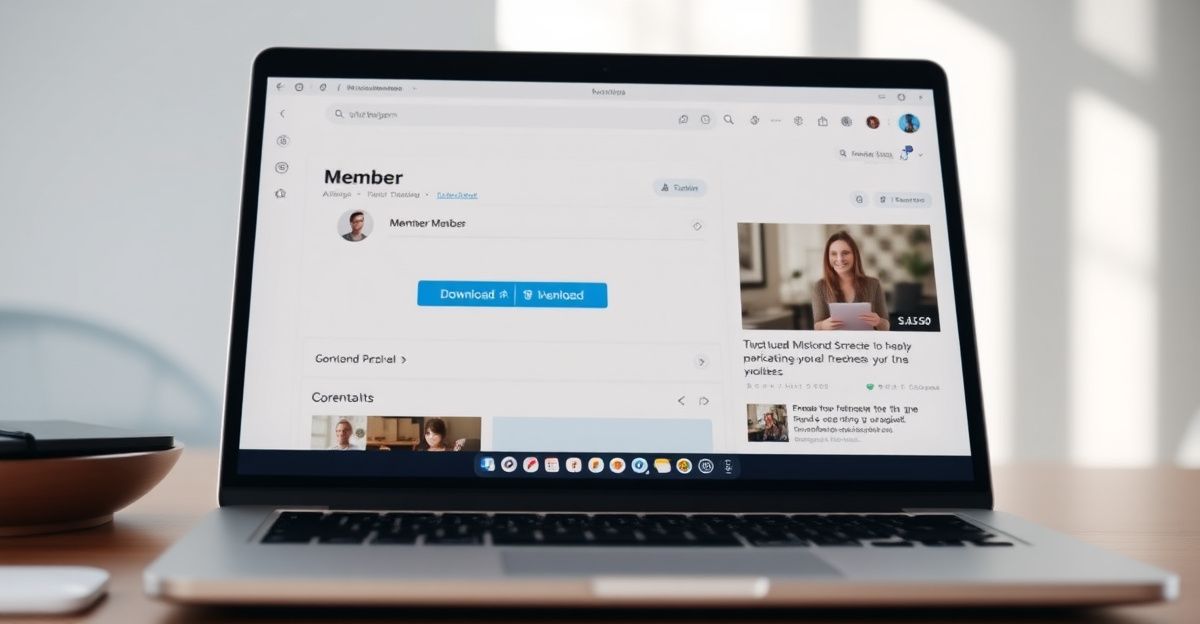
Once you are logged in on a desktop browser, navigate to any video or film you want to save. Below the player you will see a row of options. Look for the download icon or a clearly labelled download button - it sits alongside the streaming controls. Clicking it opens a quality selector. This is where you choose between standard HD, full HD, and 4K ultra HD. If your connection is fast and storage is not a concern, selecting the highest available quality gives you the best experience when you watch offline later.
After you confirm your quality choice, the browser's standard download dialogue appears and the file saves to your default downloads folder. From there you can move it to any folder, a USB drive, or an external hard drive. The file format is MP4, which plays on virtually every device and media player without needing additional software. That compatibility is genuinely useful if you share a smart TV or use a tablet away from a stable internet connection.
Downloading on Mobile and Tablet Devices
Mobile downloads work slightly differently depending on your operating system. On Android devices, the process mirrors the desktop experience closely. Log into your account through the mobile browser or via the Dorcel Club mobile app, find the video, and tap the download icon. Android will save the file to your device's local storage, and you can manage it through a standard file manager app.
iOS devices handle downloads through the Files app. When you tap the download option in Safari, iOS may ask you whether to open the file or save it. Choosing 'Save to Files' stores the video in your chosen folder within the Files app. From there, playback happens through a compatible player app. It is worth noting that iPhones tend to have less free storage than Android devices of a similar price point, so freeing up space in advance saves frustration mid-download.
If you want to explore the full range of features available across devices before committing to a download workflow, the Dorcel Club features page gives a clear breakdown of what is included in each plan.
Choosing the Right Quality for Your Situation
One of the most practical choices you make during a download is the quality setting. The library supports up to 4K ultra HD, and the weekly updates the service adds to the collection are consistently produced at high resolution. That said, 4K files are large. If you are downloading for a laptop with limited storage, full HD (1080p) is an excellent balance of visual quality and file size. For a quick watch on a phone screen, standard HD holds up well and downloads significantly faster on a slower connection.
Think about where and how you plan to watch. A large 4K television connected to a media server rewards the highest quality setting. A tablet used during travel is well served by full HD. Making that choice consciously means you are not scrambling to delete files later to free up space.
Making the Most of Your Membership Investment
One Sunday afternoon in June, my partner and I sat down and worked out a small budget for the things that genuinely mattered to our relationship - resources we could explore and discuss together. We set aside forty pounds that month, part of which went toward a shared subscription. What surprised me was how that intentional investment changed our whole approach. We scheduled time, we talked about what we watched, and we kept checking in on what felt comfortable for both of us. Treating your intimate life as something worth investing in - even a small, deliberate amount - creates a kind of mutual care and consent that casual browsing never quite replicates.
That same intentionality applies to how you use the download feature. Rather than downloading everything at once, choosing specific content you actually want to watch together or alone makes each session feel more considered. The unlimited download allowance means there is no pressure to hoard; you can download, watch, and replace as your preferences evolve.
A current promotional offer reduces membership by 70%, which brings the entry cost well within the range of a casual monthly budget. Combined with the weekly content updates, the value for a couple or individual looking for offline access to a curated, award-winning library - Marc Dorcel productions have received recognition at both the AVN Awards and the Euro XMA Awards - is genuinely strong.
Troubleshooting Common Download Issues
Occasionally a download stalls or the file appears corrupted on completion. The most common cause is an interrupted internet connection mid-transfer. If a file will not play after downloading, delete it and try again on a stable connection. If the download button is greyed out or missing, the most likely reason is a lapsed membership. Log into your Dorcel Club account to confirm your subscription is active and that your payment has processed correctly through your chosen processor.
Browser extensions that block scripts can also interfere with the download trigger. Disabling ad blockers or script blockers temporarily for the Dorcel Club domain usually resolves this. If you are on a work or shared network, the connection may restrict large file transfers altogether - in that case, downloading on a personal mobile network or home broadband is the practical fix. The site supports English, French, and German, so if you navigate to a language version that is not your default, switching back to English in the site header can help if any interface elements look unfamiliar.
Comments
No comments yet.
Leave a comment
Your email will not be shown. Comments are reviewed before they appear.