

Why Watching on a TV Makes a Real Difference
There is something that shifts when you move from a phone screen to a 55-inch display. Comfort increases, detail becomes visible, and the whole experience feels more intentional. Dorcel Club streams in up to 4K ultra HD, and that quality genuinely deserves a large screen. Whether you are watching alone or with a partner, bringing the content to your living room changes the dynamic entirely.
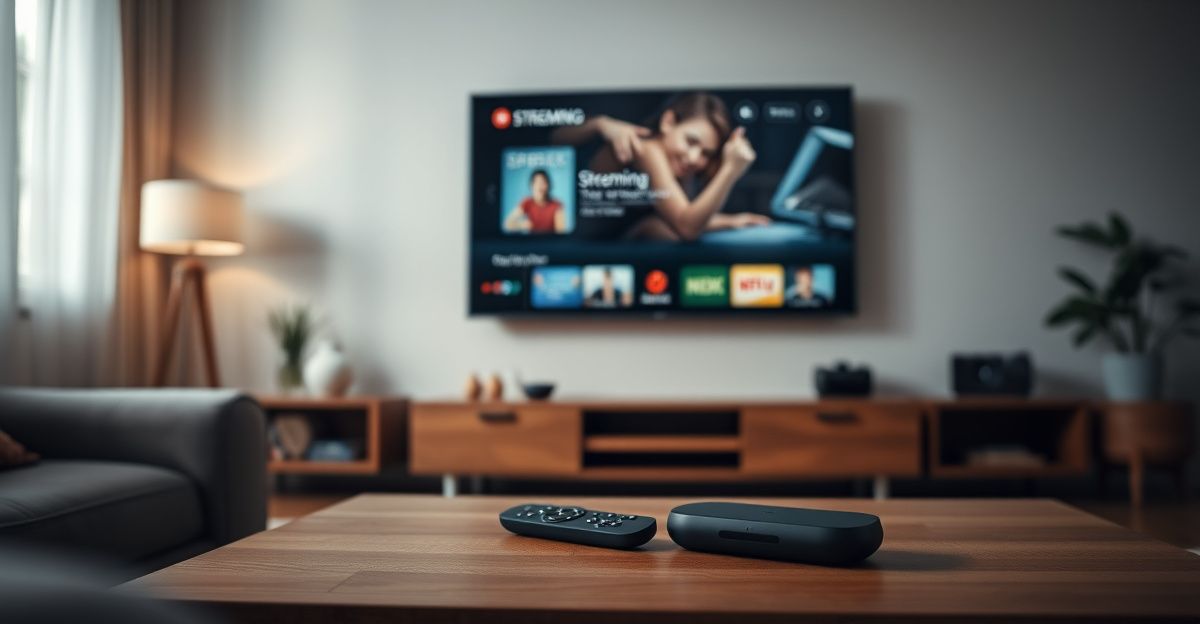
The platform is one of the most respected names in premium adult cinema, carrying the full Marc Dorcel back catalogue alongside weekly new releases. Getting that content onto your TV is straightforward once you know which method suits your setup. This guide covers every tested route, from the simplest one-tap cast to a wired laptop connection.
Method One: Chromecast or Google TV
Chromecast remains the easiest path for most people. Open the Dorcel Club site in Google Chrome on your laptop or Android phone, start playing a video, and look for the cast icon in the top-right corner of the browser. Tap or click it, select your Chromecast device, and the content jumps to your TV screen within a few seconds. The audio and video stay in sync reliably, and you can control playback from your phone while keeping your screen private.
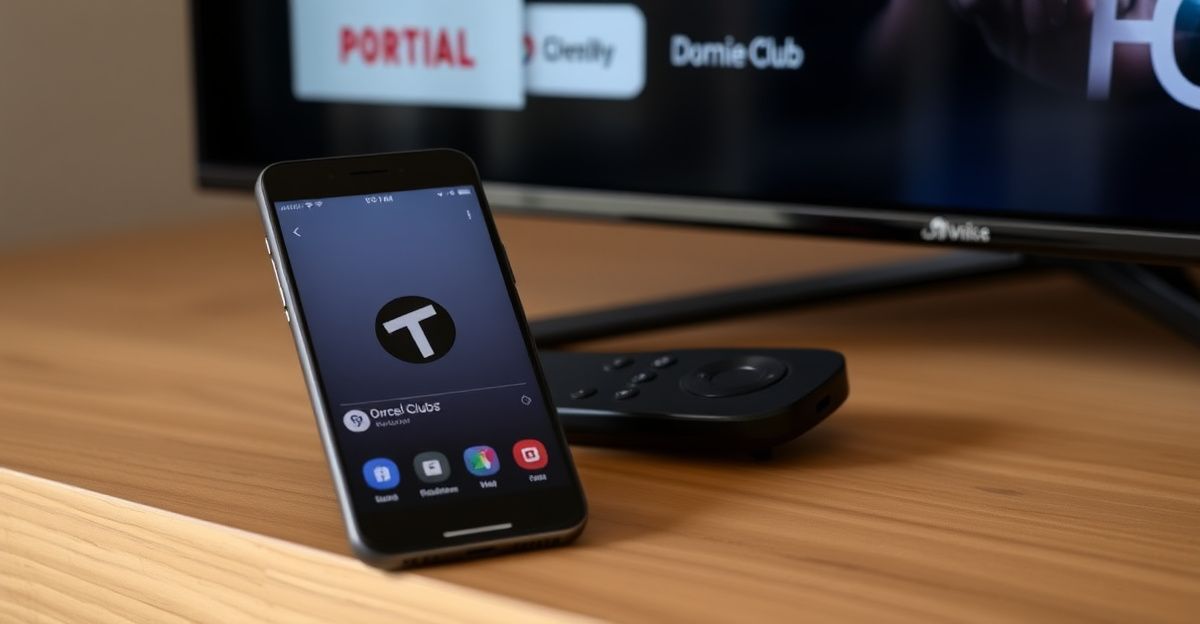
If you own a Google TV device, the process is identical. Open Chrome, navigate to the full feature set including live TV channels, and cast directly. One thing worth noting: use Chrome rather than Firefox or Safari for this. Other browsers sometimes block the cast icon from appearing at all.
Method Two: AirPlay for Apple Users
If your TV is an Apple TV or an AirPlay 2-compatible smart TV, you have a clean, wireless option. On your iPhone or iPad, open Safari and navigate to your Dorcel Club membership. Play a video, then swipe up to open Control Centre and tap Screen Mirroring. Select your Apple TV or compatible TV from the list. The image mirrors instantly and scales to your screen resolution.
One practical tip: keep your iPhone screen active during playback. If the screen times out, mirroring can stutter briefly. Setting your auto-lock to five minutes while watching solves this without much effort. AirPlay also passes through the original audio quality, so if your TV has a decent soundbar, you will hear the difference.
Method Three: Smart TV Built-In Browser
Many modern smart TVs running Tizen (Samsung), WebOS (LG), or Android TV have a built-in browser capable of handling streaming sites. Navigate to dorcelclub.co.uk directly using your remote. Log into your account and play any video. Performance varies by TV model. Samsung and LG TVs from 2021 onwards generally handle HD streaming without buffering. Older models can struggle with 4K content through a browser, so you may want to lower the quality setting in the player manually.
The main limitation here is navigation. Using a remote to type login credentials is slow. A Bluetooth keyboard paired to your TV saves significant frustration. Some LG and Samsung remotes also support voice input, which helps with the URL at minimum.
Method Four: HDMI Cable from Laptop
This is the most reliable method available, full stop. Connect your laptop to your TV with an HDMI cable, set your TV to the correct input source, and mirror or extend your display. Open dorcelclub.co.uk in any browser, log in, and press play. There is zero compression, no wireless dropouts, and no setup beyond the cable itself. If you are serious about image quality and already own a laptop, this costs nothing extra.
Back in April, I made a deliberate decision to treat my intimate life as something worth investing in, the same way I would a gym membership or a course of therapy. I signed up for a subscription at around thirty pounds for the month and set aside two evenings a week specifically for it. Using the laptop-to-TV setup for those sessions made the experience feel intentional rather than casual, and that structure changed how I engaged with the content. Treating it as a genuine commitment rather than a background habit made a real difference to how much I actually learned about my own preferences.
Method Five: Amazon Fire TV Stick or Roku
Neither Fire TV nor Roku has a dedicated Dorcel Club app in the UK store as of this writing. However, both devices include a Silk or built-in browser that can access the site. On Fire TV, open the Silk Browser, navigate to the site, and log in. The experience is similar to a smart TV browser, and Fire TV Stick 4K handles the video resolution well. On Roku, the built-in browser is more limited, so casting from your phone via Chromecast is a better option if you have a Roku device.
If you want to explore the live TV channels including Dorcel TV and Dorcel XXX, the browser method on Fire TV handles live streams without major issues. The live TV feature is one of the most distinctive things the platform offers, and a large screen is genuinely the right place to watch it.
Membership and Getting Set Up
Before any of these methods work, you need an active account. Visit dorcelclub.co.uk, click Join Now, choose a membership plan, and complete payment. Accepted payment processors include Epoch, SEGPAYEU.COM, Centrobill, and Letpay. All billing appears discreetly on your statement, which matters to many members. There is currently a promotion offering 70% off membership, so the barrier to getting started is lower than usual.
Once you are inside, take a few minutes to explore the mobile app options alongside the browser experience. The platform supports English, French, and German, and the library is updated every week. Knowing the layout before you try to cast to a TV saves time fumbling with the remote later.
Age verification applies, as required under UK regulations. You must be 18 or over, and the site complies with 18 U.S.C. 2257 record-keeping requirements for all content. Accessing adult content responsibly means understanding these boundaries before you sign up, not after.
Choosing the Right Method for Your Setup
If you already own a Chromecast or Google TV device, start there. It takes under two minutes, requires no cables, and delivers excellent quality. If you are an Apple household, AirPlay is equally seamless. For the absolute best picture with no variables, an HDMI cable from a laptop is unbeatable. Smart TV browsers work well on newer models but need a bit of patience with older hardware. Fire TV Stick sits comfortably in the middle: flexible, affordable, and good enough for most viewing situations.
Whatever device you choose, the goal is the same: a comfortable, private space where you and your partner, or just yourself, can explore content that interests you. The platform's features, from 4K quality to curated couple-focused collections, are built for exactly that kind of intentional watching. The TV is where those features make the most sense.
Comments
No comments yet.
Leave a comment
Your email will not be shown. Comments are reviewed before they appear.