
Why Playback Problems Happen on Dorcel Club
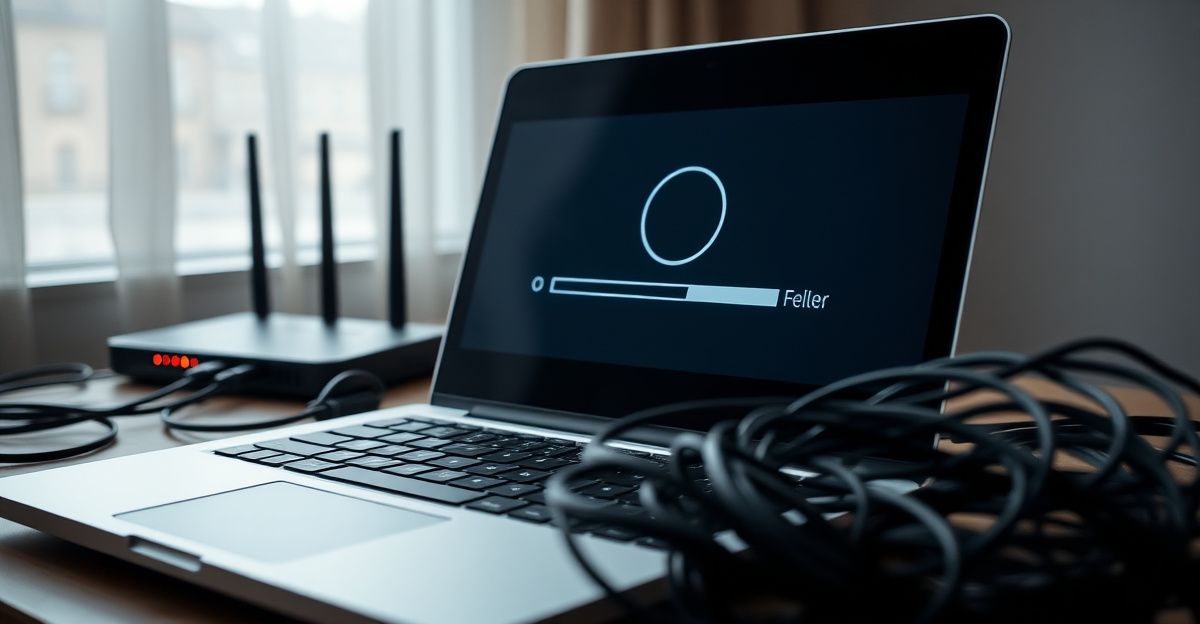
Streaming 4K ultra HD content is demanding. Dorcel Club delivers its library at the highest resolution available, which is genuinely impressive, but that quality comes with bandwidth requirements that catch a lot of viewers off guard. A stable 4K stream typically needs at least 25 Mbps of sustained download speed. Many UK broadband connections hit that number on a speed test but dip below it during peak evening hours, which is exactly when most people settle in to watch.
There is also a second, less obvious culprit: the stream quality selector inside the player itself. A Reddit thread that ranks highly on Google for this very topic points out that starting a failing video and then manually switching the quality setting from automatic to a lower resolution often resolves the error immediately. That is worth trying before you do anything else, because it takes about ten seconds and costs nothing.
Step-by-Step Fixes to Try Right Now
Work through these in order. Each step takes only a few minutes, and most people find the issue disappears by step three.
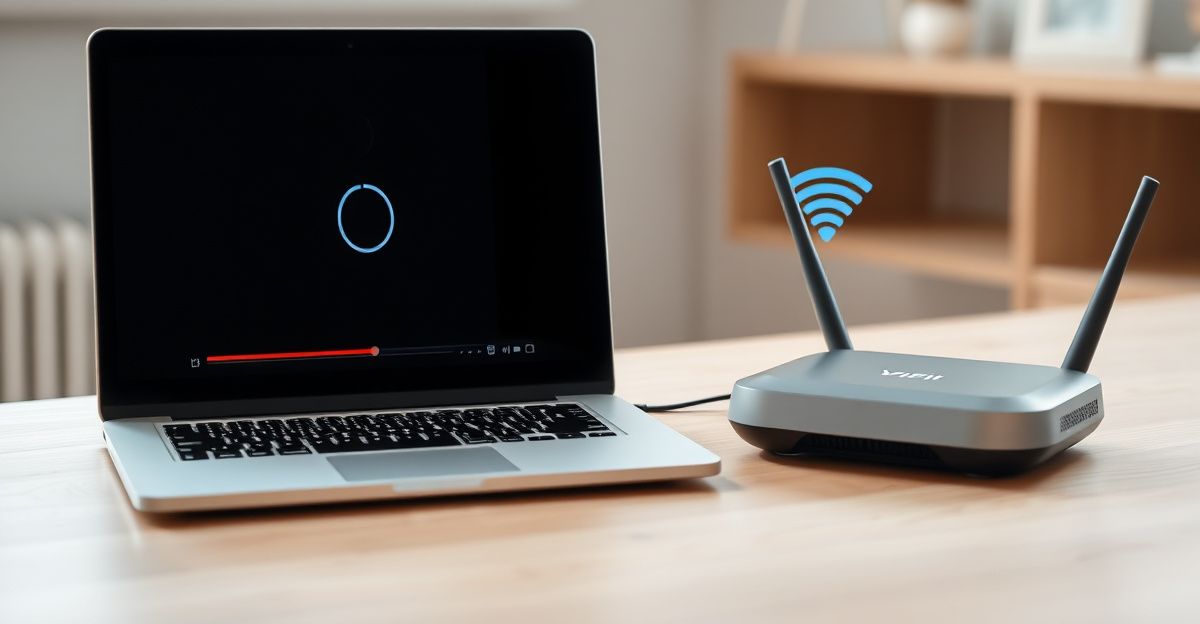
Lower the stream quality manually. Press play on the video that is giving you trouble. Once the player controls appear, find the quality or resolution option and select 1080p or 720p instead of 4K or automatic. If the video plays smoothly after that, your connection simply cannot sustain 4K at that moment. Try again later when traffic on your network is lighter.
Clear your browser cache and cookies. Cached data from weeks or months ago can conflict with updated player scripts. In Chrome, press Ctrl + Shift + Delete, set the time range to "all time", tick Cached images and files plus Cookies, and click Clear data. Reload Dorcel Club and test again.
Switch browsers or use a private window. Browser extensions, particularly ad blockers and privacy tools, sometimes interfere with video players. Opening an incognito window disables most extensions instantly. If playback works there, the culprit is an extension rather than your connection or the platform.
Check your internet speed. Run a quick test at fast.com or speedtest.net. If your download speed is below 10 Mbps, buffering is almost certain at any quality level. Restart your router by unplugging it for thirty seconds, then retest. Many UK ISPs also throttle certain traffic types during peak hours, so a test at 11 pm may look very different from one at 3 pm.
Try a different device. If you are watching on a smart TV or a streaming stick, try opening the same video on a laptop or phone. This tells you quickly whether the issue is device-specific. For TV-specific guidance, the Dorcel Club stream on TV guide covers device compatibility in more detail.
The Intentional Streaming Habit That Changed My Approach
Back in April I decided to invest in my intimate life the same way I invest in a gym membership. I signed up for a subscription, set aside two evenings a week, and committed to the experience rather than treating it as background noise. What I noticed is that having that structure made me far more aware of the technical side too. When a buffering wheel appeared, I actually wanted to fix it rather than give up, because I had made a conscious choice to be there. Treating a subscription as a real commitment changes how you show up, and it also motivates you to optimise your setup so the experience matches the intention.
That practical mindset is worth carrying into your technical troubleshooting. Approach each fix as one deliberate step rather than a frustrated scramble, and you will resolve the issue faster. The Dorcel Club features page is a good reference for understanding exactly what your membership includes, so you know what a smooth experience should feel like before you start comparing.
4K Streaming: What Your Setup Actually Needs
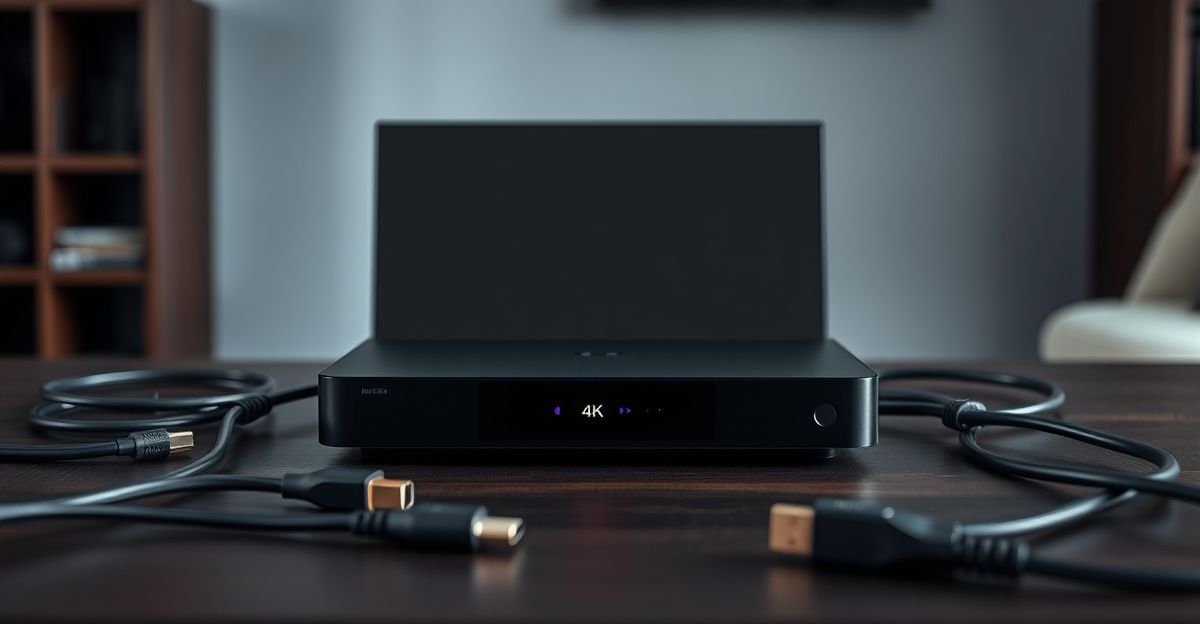
Dorcel Club offers content in 4K ultra HD, which is one of its strongest selling points alongside the award-winning Marc Dorcel productions. To actually receive that quality, your setup needs to meet a few requirements working together. Your screen must support 4K. Your HDMI cable, if you are using one, should be HDMI 2.0 or higher. Your browser or app needs to be up to date. And your router needs to be close enough to your device to deliver a strong wireless signal, or you should use a wired ethernet connection instead.
A wired connection makes a measurable difference. Wi-Fi introduces latency and packet loss that a cable eliminates entirely. If you are watching on a desktop or a smart TV with an ethernet port, plug it in and you will likely see an immediate improvement in both loading time and stability.
When to Contact Support
If you have worked through every step above and playback is still failing, the issue may be on the platform side rather than your end. Server-side problems do occur occasionally, particularly during high-traffic periods. The best course of action is to reach out directly. The Dorcel Club customer support page explains the fastest ways to get a response. When you contact them, include the name of the video giving you trouble, the device and browser you are using, and the result of your speed test. That information lets the support team diagnose the issue without back-and-forth delay.
It is also worth noting that payments on Dorcel Club are handled through processors including Epoch, SEGPAYEU.COM, Centrobill, and Letpay, and billing is described as discreet on your statement. If a playback issue coincides with a recent payment or account change, mentioning that context to support helps them check your account status at the same time.
Comments
No comments yet.
Leave a comment
Your email will not be shown. Comments are reviewed before they appear.